
Greet every guest by name.
A welcome sign for your rental that shows your guest's name, a Wi-Fi QR code and check-out time — and updates itself from your Airbnb or Vrbo calendar.
Paper-like e-ink, not a tablet: no cord, no glare, nothing to tap. Why e-ink?
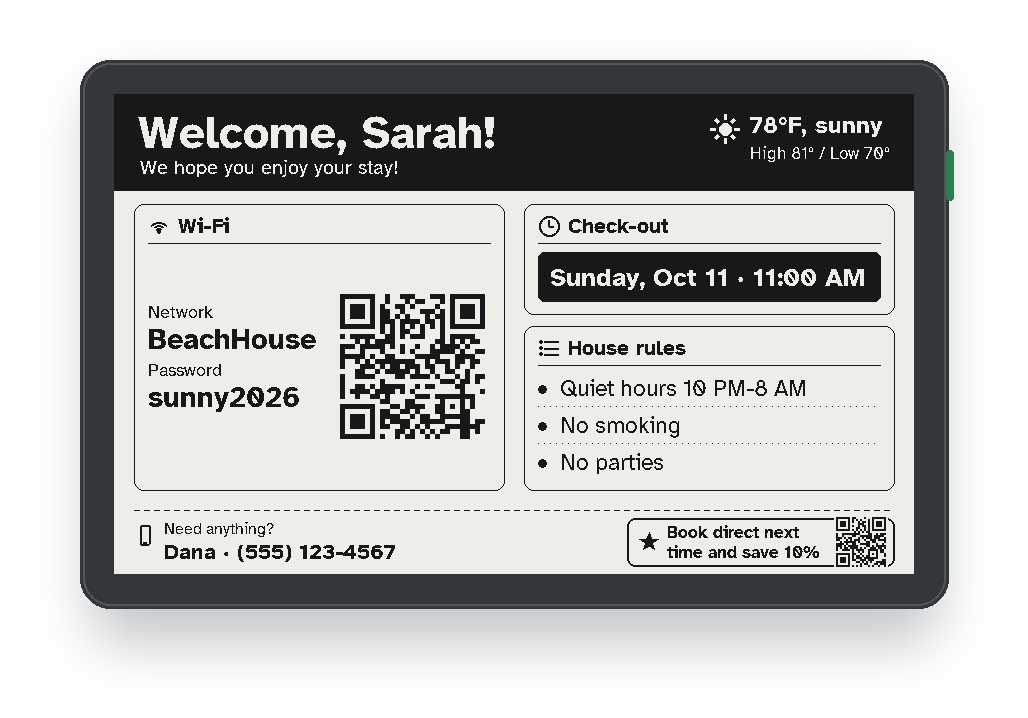
The welcome sign
 Shop the sign
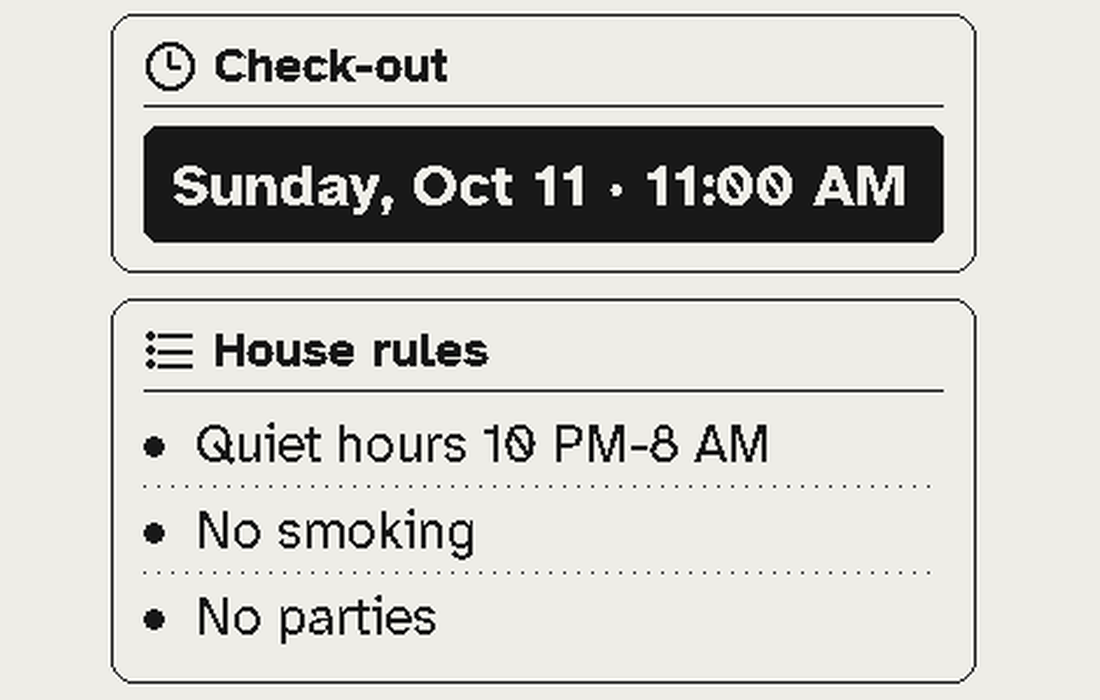
Your words, your house
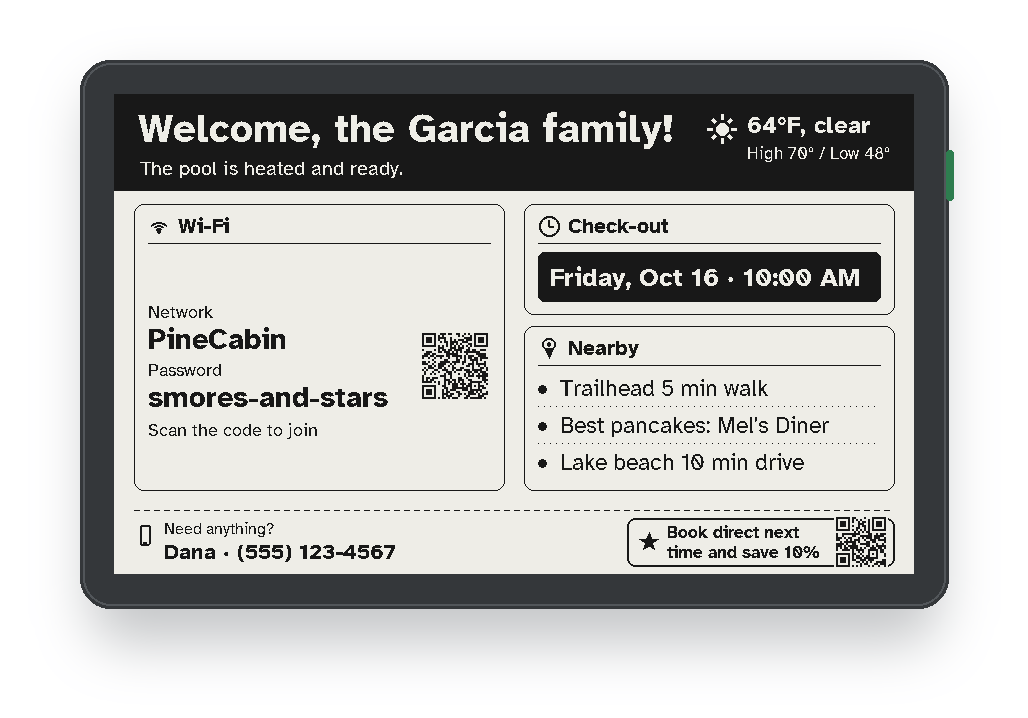 See what it can show
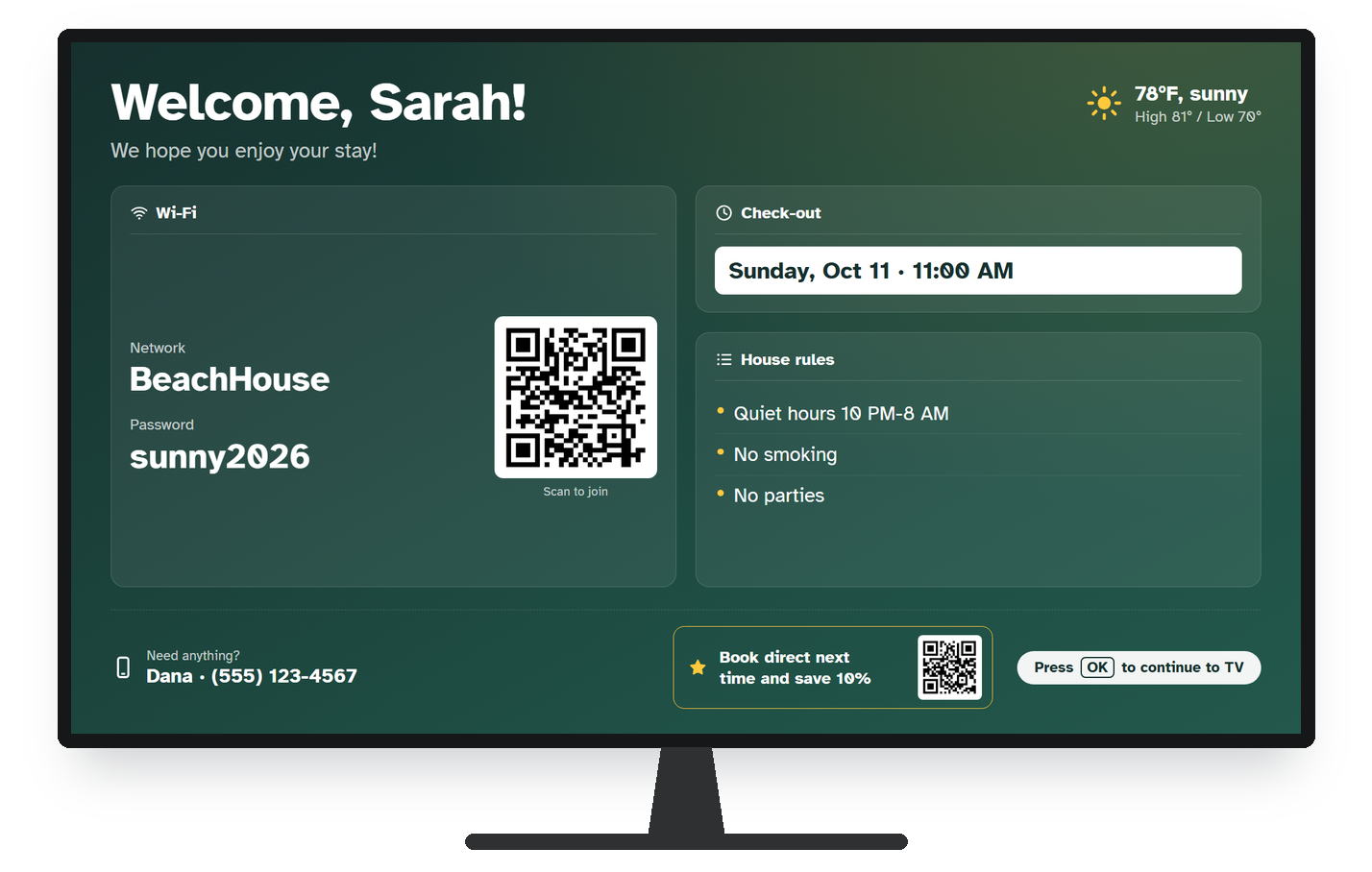
Also on your TV
 About the TV app
Set up in minutes
 How it works
Shop Guest Kernel
Why e-ink, not a tablet?
A tablet is built to be used. A welcome sign is built to be read — all day, every day, by people who just walked in with their bags. That's what e-ink is for.
No backlight, no glare. It reads like a printed card, even next to a sunny window — and it doesn't glow in the living room at night.
E-ink only uses power when the text changes, so the sign runs on its battery. A tablet showing the same screen all day has to stay plugged in.
No apps, no browser, no settings, no notifications, no "the tablet is stuck" texts. It just shows your welcome — and updates itself.
Tablets have both, which makes some guests uneasy. Our sign has no camera, and its microphone is removed before it ships.
| Guest Kernel e-ink sign | Tablet or touch screen | TV welcome screen | |
|---|---|---|---|
| Visible the moment guests walk in | Yes, always on | Only while the screen is on | Only if someone turns the TV on |
| Needs a power cord | No, runs on its battery | Yes, to stay on all day | Yes |
| Glare or glow | None, reads like paper | Glossy, backlit screen | Backlit screen |
| Guests can change it or break the setup | No, there's nothing to tap | Yes, unless you add lock-down software | Yes, they switch inputs and apps |
| Camera or microphone | Neither | Usually both | Depends on the TV |
| Updates itself from your bookings | Yes | Only with extra apps and setup | Yes, with an app |
Want the TV too? The same design shows on Google TV and Fire TV televisions with your plan.
How it works
- Connect your calendarCreate a free host account and paste your Airbnb, Vrbo or Booking.com calendar link. New bookings appear on their own.
- Design your screenPick what guests see and preview the exact image the sign will show. Publish when it looks right.
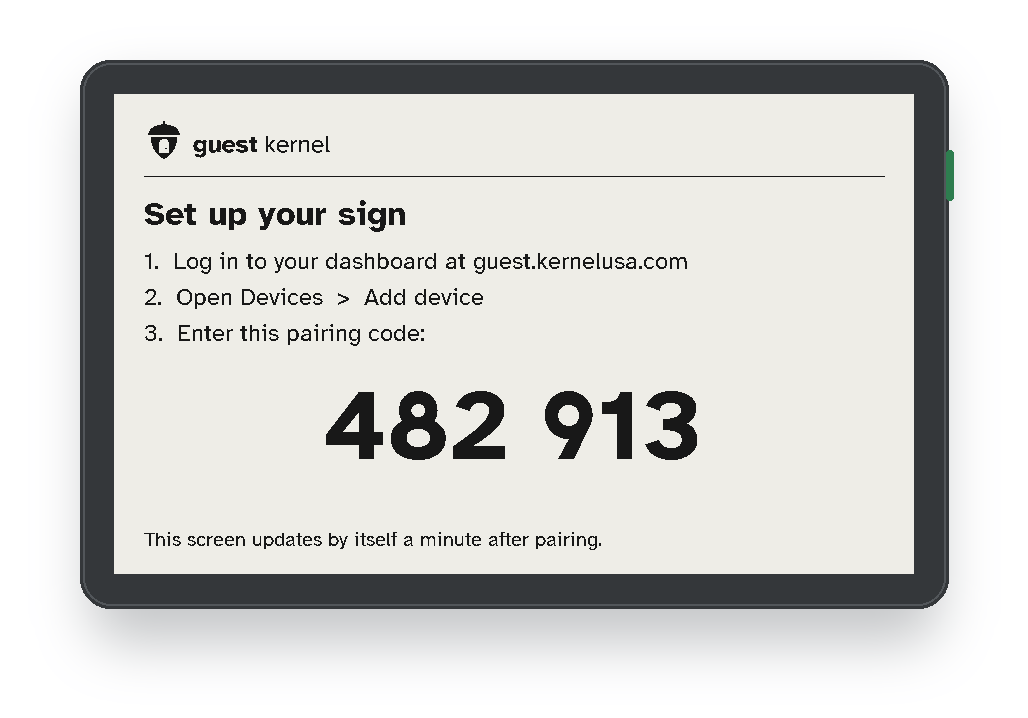
- Turn on the signJoin it to the property's Wi-Fi from your phone, enter the pairing code it shows, and you're done.
Compare with similar products
| Guest Kernel | WelcomeScreen | Hello Guest Screen | |
|---|---|---|---|
| Price | $5.99 per property / month + $ per sign | $5.99–$14.99 per property / month | $14.99 per screen / month |
| Battery e-ink sign (works without a TV) | Yes | No | No |
| TV welcome screen | Yes, included | Yes | Yes |
Competitor prices are their published list prices, checked in October 2026. They may have changed since.
Questions & answers
- Question:
- Why not just put a tablet on the counter?
- Answer:
- A tablet has to stay plugged in to show a screen all day, its glossy backlit screen glares in daylight and glows at night, and guests can tap into apps and settings (or wonder about its camera). The e-ink sign reads like paper, runs on its battery, has nothing to tap, and has no camera or microphone. It just shows your welcome and keeps it up to date.
- Question:
- How long does the battery last?
- Answer:
- The sign wakes about once an hour during the day and sleeps at night. We're measuring real-world battery life with our first hosts and will publish it here. Your dashboard shows each sign's battery level and tells you when to charge it.
- Question:
- Will it show my guest's name automatically?
- Answer:
- Airbnb's calendar link includes dates but not names, so you type each guest's first name in your dashboard. It takes a few seconds. Connections to property-management software are on the way.
- Question:
- Is it allowed under Airbnb's rules?
- Answer:
- Airbnb doesn't allow indoor recording devices. Our signs ship with the microphone physically removed and have no camera — they only display information.
- Question:
- What Wi-Fi does it need?
- Answer:
- Your property's regular 2.4 GHz Wi-Fi. Setup takes about two minutes from your phone.
- Question:
- When am I charged for the plan?
- Answer:
- Signs are charged when you order. The monthly plan starts after 2 free weeks, so you don't pay for the service before your sign arrives. Cancel any time.
- Question:
- Can I use one plan for signs at two different homes?
- Answer:
- The plan is per property. You can put as many signs as you like in one property at no extra monthly cost, but each property needs its own place on the plan. Signs check which property they're at; one that stays at a different location for more than 10 days pauses until you add that location to your plan (we'll warn you first).
- Question:
- What happens if I cancel?
- Answer:
- Your plan stays active until the end of the month you've paid for. After that the sign shows "Sign not active" instead of your welcome screen. Reactivate any time and it comes back on its own.
- Question:
- What if it doesn't ship on time?
- Answer:
- We'll email you before the ship-by date with a new date, and you can cancel for a full refund.
Ready for your next guest?
Order today and your sign ships within 2 weeks. Your plan stays free until then.
Choose your signs